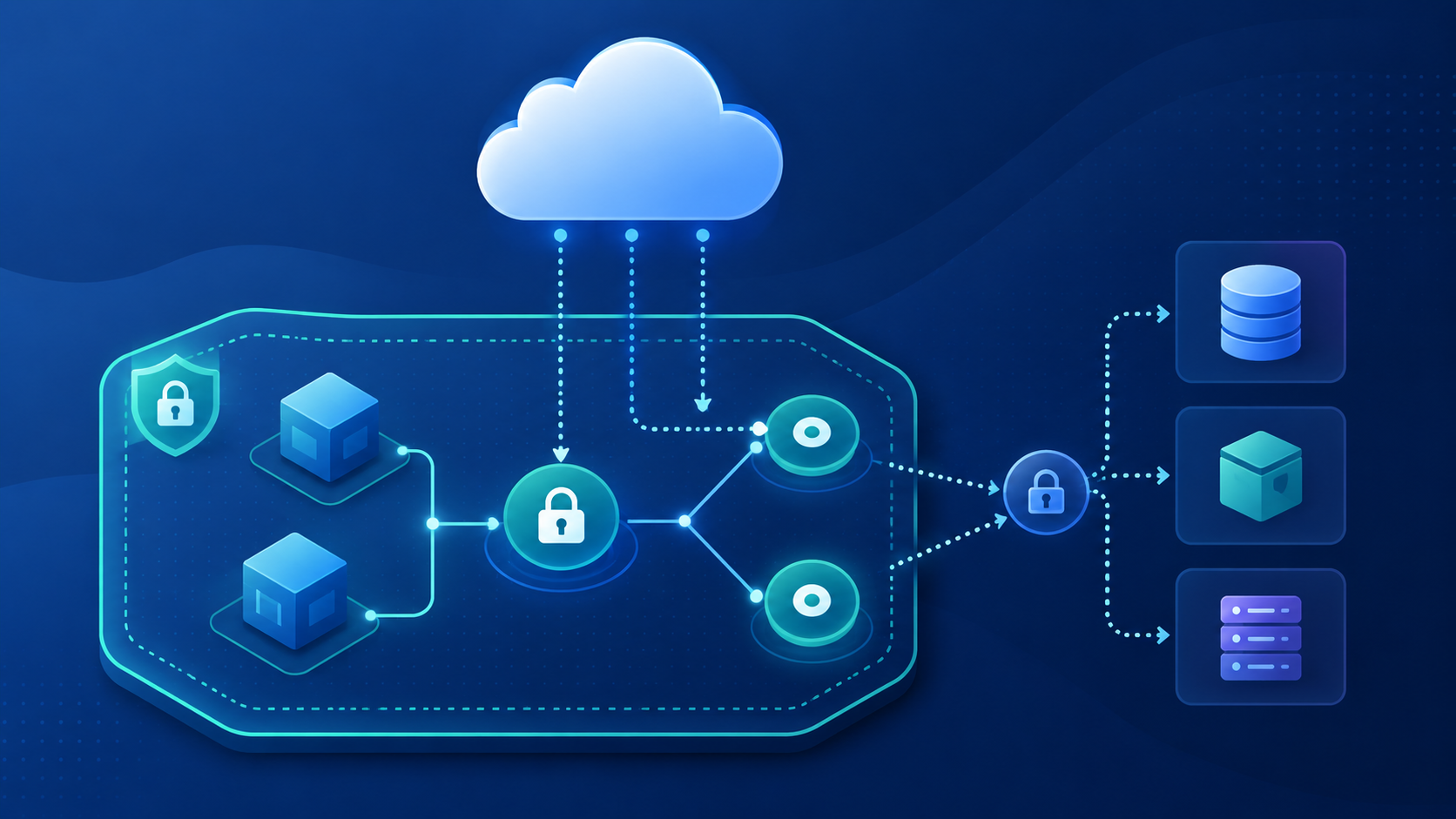
If you have ever put a Lambda function or an EC2 instance inside a private subnet and then tried to reach S3 or DynamoDB from it, you already know the problem. The request just hangs. There is no internet gateway, no NAT device, no route out — so the traffic has nowhere to go. The usual fix people reach for is a NAT Gateway, which works, but costs money every hour it exists and sends your AWS-to-AWS traffic out through the public internet before it comes back in. That is a strange thing to do when both sides of the connection are already inside AWS.
VPC Endpoints solve this properly. They let resources in your VPC talk directly to supported AWS services over the AWS private network, without a NAT device, without a public IP, and without the traffic ever leaving Amazon’s infrastructure. There are two types — Gateway Endpoints and Interface Endpoints — and understanding when to use each one is the first thing to get right.
Gateway Endpoints vs Interface Endpoints
Gateway Endpoints are the simpler of the two. They work by adding a route to your VPC route table that points S3 or DynamoDB traffic at the endpoint instead of out through a gateway. That is the entire mechanism. They are also free, which makes them a straightforward choice — if you are accessing S3 or DynamoDB from a private subnet, there is almost no reason not to use one.
Interface Endpoints are different. Instead of modifying a route table, they create an Elastic Network Interface directly inside your subnet, assigned a private IP address from your own CIDR range. That ENI becomes the entry point for traffic to the service. They are powered by AWS PrivateLink and support over 130 AWS services — SQS, SNS, ECR, CloudWatch, Secrets Manager, and many more. Unlike Gateway Endpoints, they do carry an hourly cost plus a data processing charge.
| Attribute | Gateway Endpoint | Interface Endpoint |
|---|---|---|
| Services supported | Amazon S3, Amazon DynamoDB only | 130+ AWS services |
| How it works | Route table entry using a managed prefix list | ENI with a private IP in your subnet |
| Uses AWS PrivateLink | No | Yes |
| Security group support | Not supported | Supported |
| Cost | Free | Hourly charge + data processing |
Setting Up a Gateway Endpoint for S3
Start by knowing your VPC ID and the route table ID for the private subnet you want to give S3 access to. If you are not sure which route table is associated with a subnet, this will tell you:
aws ec2 describe-route-tables \
  --filters "Name=vpc-id,Values=vpc-1a2b3c4d" \
  --query "RouteTables[*].{RouteTableId:RouteTableId,SubnetId:Associations[*].SubnetId}" \
  --output table
Once you have the route table ID, creating the endpoint is a single command:
aws ec2 create-vpc-endpoint \
  --vpc-id vpc-1a2b3c4d \
  --service-name com.amazonaws.us-east-1.s3 \
  --route-table-ids rtb-11aa22bb
AWS automatically inserts a new route into that route table. The destination will be the S3 managed prefix list — something like pl-63a5400a — and the target will be the endpoint ID. You do not manage this route manually. Deleting the endpoint removes the route automatically.
A DynamoDB Gateway Endpoint works identically — just swap the service name:
aws ec2 create-vpc-endpoint \
  --vpc-id vpc-1a2b3c4d \
  --service-name com.amazonaws.us-east-1.dynamodb \
  --route-table-ids rtb-11aa22bb
One thing that catches people out: if you have multiple private subnets across different availability zones, each with its own route table, you need to associate the endpoint with each of those route tables. An endpoint associated with only one route table will not cover resources in the other subnets.
Setting Up an Interface Endpoint
For anything that is not S3 or DynamoDB, you need an Interface Endpoint. The example below creates one for SQS, but the pattern is the same regardless of the service — only the service name changes.
aws ec2 create-vpc-endpoint \
  --vpc-id vpc-1a2b3c4d \
  --vpc-endpoint-type Interface \
  --service-name com.amazonaws.us-east-1.sqs \
  --subnet-ids subnet-abc123 subnet-def456 \
  --security-group-ids sg-11223344 \
  --private-dns-enabled
The --private-dns-enabled flag is worth understanding. When you enable it, AWS creates a private hosted zone in Route 53 that overrides the public DNS name for the service. So when any resource in your VPC calls sqs.us-east-1.amazonaws.com, the name resolves to the private IP of your ENI rather than the public SQS endpoint. Your application code does not need to change at all — it keeps using the same endpoint URL it always did.
If private DNS is not enabled, your application would need to explicitly use the endpoint-specific DNS name, which is less practical and easy to get wrong.
A Real Example: Lambda in a Private Subnet
This is the scenario where VPC Endpoints matter most in practice. You have a Lambda function running inside a private subnet — maybe because it needs access to an RDS database, or because your security requirements prohibit public internet access. The problem is that the moment you put Lambda inside a VPC with no internet route, it loses access to every AWS service it was previously calling: S3, DynamoDB, CloudWatch Logs, Secrets Manager, and so on.
The instinct is to add a NAT Gateway so the function can reach those services through the internet. But that is unnecessary and expensive. The right answer is endpoints.
For S3 and DynamoDB, create Gateway Endpoints — they are free and the setup is already covered above. For CloudWatch Logs, which Lambda needs to write execution logs, create an Interface Endpoint:
aws ec2 create-vpc-endpoint \
  --vpc-id vpc-1a2b3c4d \
  --vpc-endpoint-type Interface \
  --service-name com.amazonaws.us-east-1.logs \
  --subnet-ids subnet-abc123 \
  --security-group-ids sg-11223344 \
  --private-dns-enabled
The security group on an Interface Endpoint controls which resources can send traffic to it. At a minimum, allow inbound HTTPS (port 443) from the security group or CIDR range of the Lambda function. One failure mode that is easy to miss: if your Lambda function is not writing logs and you cannot figure out why, check whether a logs Interface Endpoint exists and whether its security group allows traffic from the Lambda function. CloudWatch log delivery failures do not surface as Lambda invocation errors, so the function will appear to succeed while silently dropping all log output.
Locking Down Access with Endpoint Policies
By default, a VPC Endpoint allows full access to the service. That is fine for getting started, but in a production environment you almost always want to restrict what can be done through the endpoint. Endpoint policies are IAM resource policies attached to the endpoint itself, and they act as an additional layer of control on top of whatever IAM permissions your resources already have.
A common pattern is restricting an S3 endpoint to a specific bucket, so that even if something in your VPC has overly broad S3 permissions, the endpoint policy acts as a backstop:
aws ec2 modify-vpc-endpoint \
  --vpc-endpoint-id vpce-1a2b3c4d \
  --policy-document '{
    "Version": "2012-10-17",
    "Statement": [{
      "Effect": "Allow",
      "Principal": "*",
      "Action": ["s3:GetObject", "s3:PutObject"],
      "Resource": "arn:aws:s3:::my-production-bucket/*"
    }]
  }'
Be careful here if multiple applications share the same VPC and the same endpoint. A policy scoped to one bucket will block all other S3 traffic through that endpoint, including calls from other workloads to other buckets. If you need different policies for different workloads, the options are separate endpoints or separate VPCs.
Checking and Cleaning Up Endpoints
To see all endpoints in a VPC and their current state:
aws ec2 describe-vpc-endpoints \
  --filters "Name=vpc-id,Values=vpc-1a2b3c4d" \
  --query "VpcEndpoints[*].{Id:VpcEndpointId,Service:ServiceName,State:State,Type:VpcEndpointType}" \
  --output table
An endpoint state of available means it is active and routing traffic. A state of pending means it was just created and DNS or ENI provisioning is still in progress — this usually resolves within a couple of minutes. To delete an endpoint:
aws ec2 delete-vpc-endpoints \
  --vpc-endpoint-ids vpce-1a2b3c4d
An empty Unsuccessful array in the response confirms the deletion succeeded. Deleting a Gateway Endpoint removes its route from every associated route table automatically. Deleting an Interface Endpoint removes the ENIs from your subnets.
VPC Endpoints are not a complex feature, but they are one that a lot of teams add too late — after they have already been paying for NAT Gateways they did not need, or after a security review flags their AWS service traffic going through the public internet. Getting them in place early, especially Gateway Endpoints for S3 and DynamoDB, is one of the higher-value things you can do when setting up a new VPC.