Deciding Requirements
My first system on AWS had everything planned from day one. Authentication, notifications, retry logic, multiple user roles. It took weeks to build something I could barely test because nothing worked independently. Everything was connected before anything was verified.
The right question before picking any service is: what does this system have to do to exist at all. Not eventually — right now.
For a chatbot that is four things: accept a message, generate a reply using a language model, remember the conversation, know who is talking. Everything else — multiple agents, model switching, saved prompts, persistent memory, workflow triggers — does not define the system. These are features that sit on top of it.
Write the core requirements down before opening the AWS console. The moment you skip it, you end up designing two systems at once: the one you need and the one you think you might need.
The additional features I had in mind for this chatbot were: private VPC calls between services, saved custom prompts, a persistent memory that loads at the start of each session, model selection with mid-conversation switching and full context transfer, and workflow trigger support. None of these need to exist for the chatbot to work. All of them can be added to a working core without touching what is already running.
Build the core until it works. Then build the next thing around it.
Selecting the Components
Once the core requirements are written down, each one maps to a service. The goal is not the most powerful service for each requirement — it is the simplest one that works at the expected scale.
For the chatbot, the four requirements map like this.
Accepting messages needs an HTTP endpoint. API Gateway handles this. There are two options — REST API and HTTP API. HTTP API is cheaper and simpler, and for just receiving a message and forwarding it to a Lambda function, it is enough. REST API makes sense when you need request validation, caching, or usage plans built in.
Generating a reply needs a language model. Amazon Bedrock gives access to foundation models — Claude, Llama, Titan, and others — without managing any infrastructure. Pricing is on-demand per token, so there is no upfront commitment while traffic is still unpredictable. The model you pick matters for cost — smaller models cost significantly less than larger ones, so starting with the cheaper option and moving up only where response quality requires it is the sensible default.
Storing conversation history needs a database, and the main options are DynamoDB, RDS, or keeping history in memory — in-memory storage disappears when the function restarts, RDS adds a VPC, subnet group, connection management, and a running instance you pay for whether it is used or not, while DynamoDB charges per request, has no infrastructure to maintain, and fits the access pattern of reading a user’s history and appending to it.
Compute to connect everything is Lambda. It receives the request, fetches history, calls Bedrock, writes the result back, and returns the response. Authentication is Cognito, which handles sign-up, sign-in, and token issuance — API Gateway validates the token before the request reaches Lambda, so unauthenticated requests never consume compute.
Creating the Architecture
I started with Lambda. Not because it was the most important piece but because it is the thing everything else connects to — once the function exists and is processing requests correctly, attaching Bedrock, DynamoDB, and API Gateway to it is straightforward. The first thing that broke was the Lambda configuration itself, which was not set up to process JSON requests, so calls from the terminal were failing before any other service was even involved. Finding that before wiring everything else together saved time.
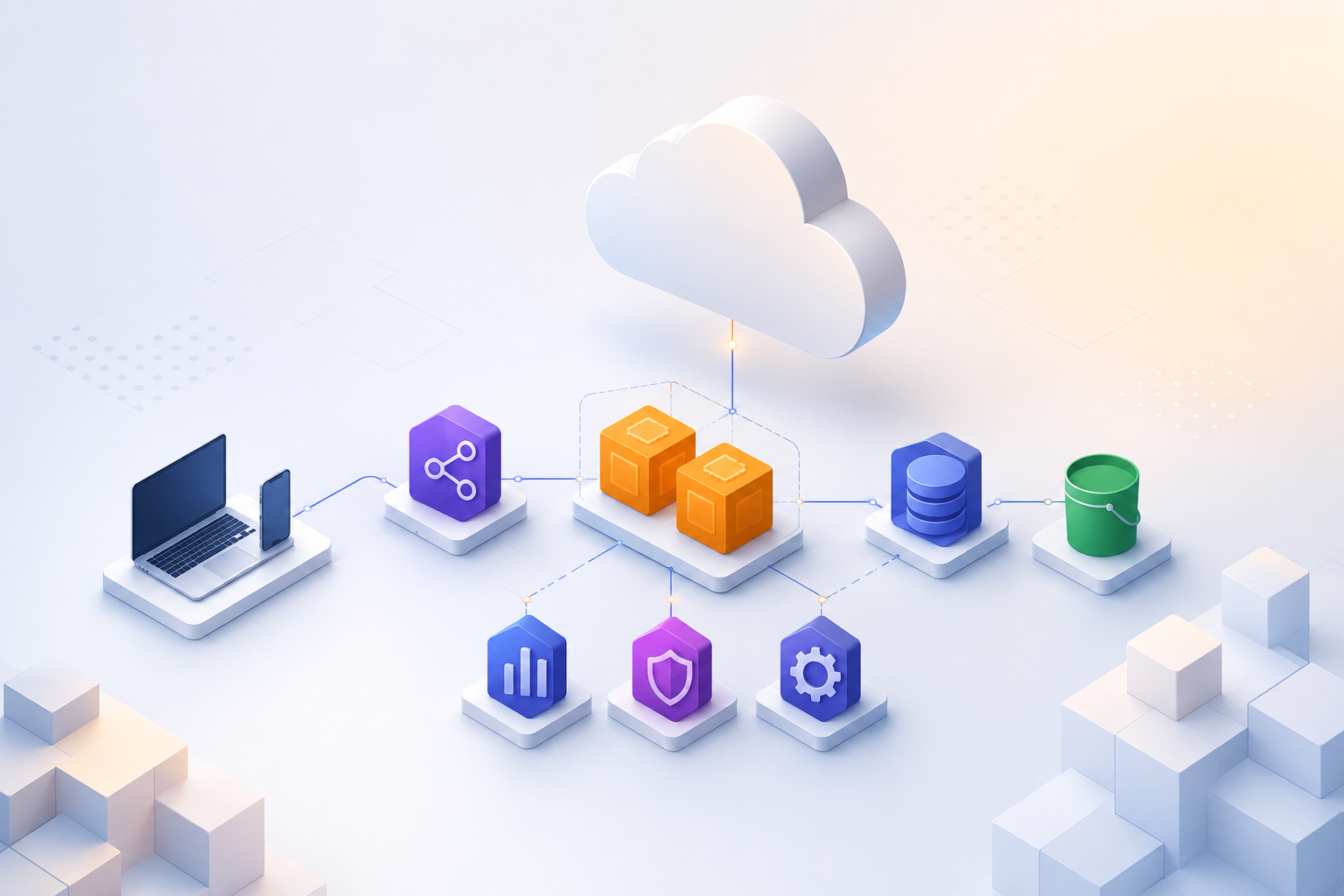
The request path once everything is connected is: a user sends a POST request to the API Gateway endpoint, which validates the Cognito JWT token and rejects anything unauthenticated before it reaches Lambda, which then pulls the user’s conversation history from DynamoDB, passes it along with the new message to Bedrock, gets a reply, writes both the message and the reply back to DynamoDB, and returns the response.
That is the entire core system running end to end. Once it is working, the additional features attach to specific points in this path without changing what is already there — VPC for private calls slots in at the networking layer, model selection adds a parameter to the Bedrock call, etc. If the architecture needs to evolve further, moving toward an event-driven model using EventBridge reduces coupling between components without requiring a rewrite of anything already working.
Setting Up Troubleshooting
Since this was a local example and never went to production, the monitoring setup was lightweight — API call tracking on Lambda, DynamoDB, and Bedrock to watch what was being invoked and how often.
For a system that does go to production, CloudWatch is the right place to start. Each service in the stack exposes its own logs and metrics, and having those in one place means that when something goes wrong, you are not hunting across different tools to piece together what happened. Structured JSON logging inside the Lambda function — userId, message length, execution time, etc. — makes logs easier to search and filter when something goes wrong.
Alarms on the key metrics — errors, duration, error rates on the API, etc. — catch problems before users report them. Each service in the stack exposes its own metrics in CloudWatch, and setting alarms on the ones that matter for your specific system gives you enough visibility to know when something is wrong and roughly where to look.